Knowledge: How do I add dynamic content to Task Pane in Version 2 of Outlook Office Addin
 Back
Back
Knowledge
Title*How do I add dynamic content to Task Pane in Version 2 of Outlook Office Addin
ManualOffice Addin Tips
Manual Level TwoVersion 2
Created01/10/2024
DetailYou can include dynamic conent in the Task Pane by adding a WikiPage:
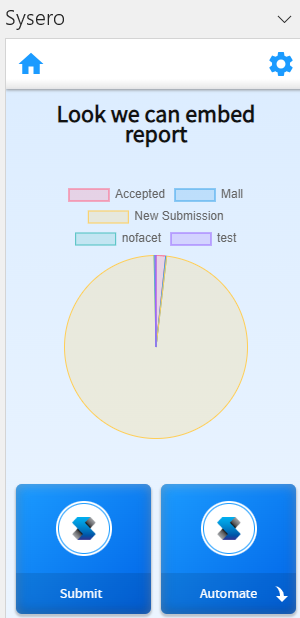
To set this up follow these steps:
- Go to Admin > Wiki Pages and create new wiki page.
- Add any content you require.
- Go to Admin > Site > Office Settings (Version 2) > Site Settings.
- Select the Wiki Page under "Wiki page header".
The content should now be in the task pane for that site.
Additional Manual Locations